
 Docs
Docs
HubCreate documentation
Find all the guides and resources you need to get up and running with HubCreate.What is a Deployment?
In HubCreate, a deployment refers to the process of sending selected assets and / or packages to a HubSpot account. It involves taking predefined assets—such as workflows, forms, emails, landing pages, or custom objects—and automatically creating them in the target HubSpot account. Deployments ensure that all assets are correctly integrated and functional within the HubSpot environment, helping businesses automate and manage their marketing efforts effectively.
Deployment Process Overview:
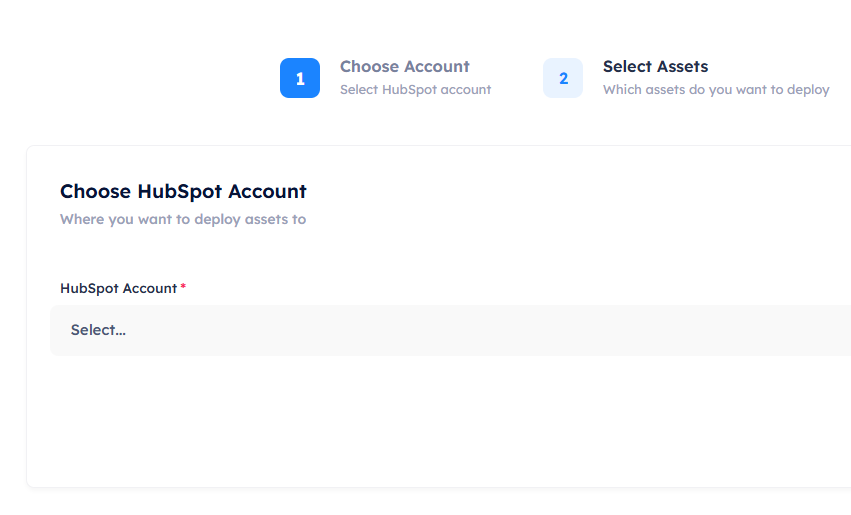
- Account selection: First you must select the HubSpot account you want to create the deployment for. Ensure you have already connected the desired HubSpot account before hand.
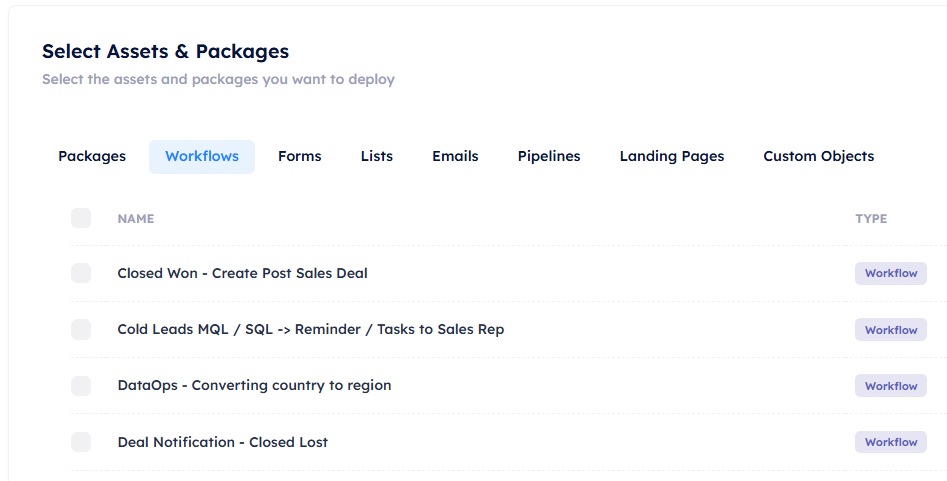
- Asset selection: Before initiating a deployment, the user selects the assets they want to deploy. This can include a mix of different asset types such as forms, emails, landing pages, and workflows. You can read about all of the available asset types and how to manage them in the asset library.
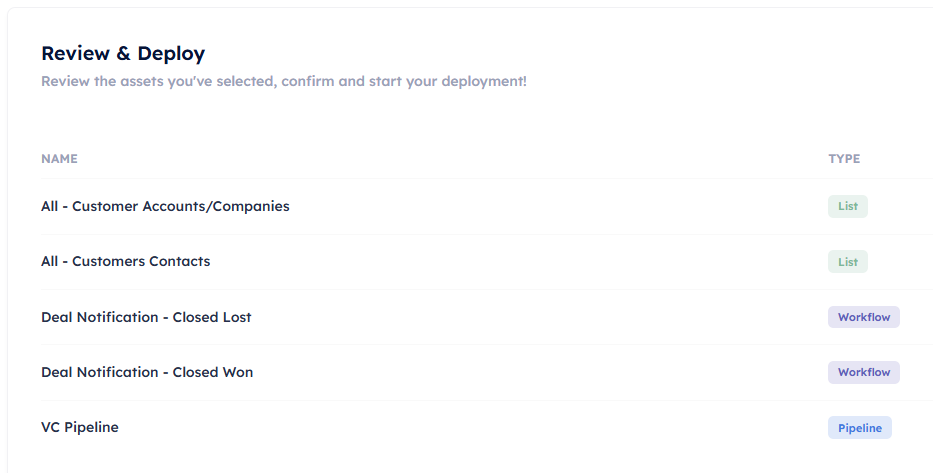
- Review deployment: Once the assets are selected, you can review and ensure the assets you selected are infact the ones you want to be deployed. Once you click deploy, HubCreate will begin creating the assets behind the scenes.
Deployments in HubCreate allow for a seamless integration between your HubSpot account and the assets you need, ensuring consistency and efficiency throughout the process.